How to use
Every library ships as a prompt. Copy it, paste it into your coding agent, and make it yours. Three steps, no setup.
-
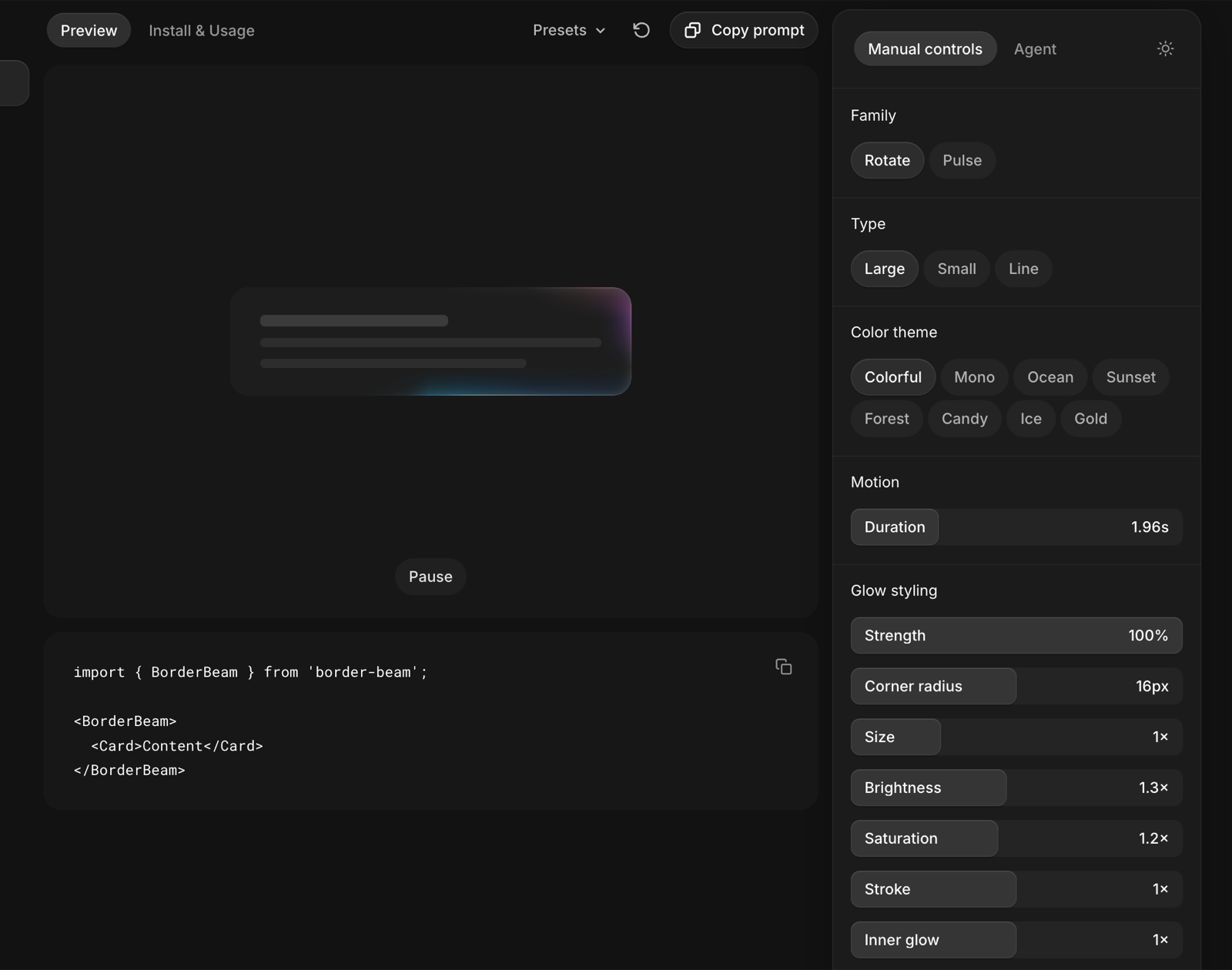
Copy the prompt
Every library page has a Copy prompt button. One paste gives your agent the whole library.
-
Paste it in your agent
Drop it into Claude Code, Cursor or Codex. The agent installs the package and wires it in, matched to your theme.
-
Make it yours
Open the Studio with Pro for every knob, tune it live and copy the result as props.


The seven libraries
| Library | Package | What it does |
|---|---|---|
| Beam | border-beam |
Rainbow glow riding the border of any element |
| Orb | thinking-orbs |
Thought-orb loading indicators for AI interfaces |
| Avatars | bot-avatars |
Animated bot avatars with living faces for AI agents |
| Gooey | liquid-gooey |
Liquid UI: pieces merge and morph like goo |
| Metal | metal-fx |
Liquid-metal WebGL ring around buttons and icons |
| Image | img-fx |
WebGL image-generation loader for cards |
| Voice | voice-glow |
Sound-reactive glow along the bottom edge of an input |
FAQs
React 18 or newer. Each library is a standalone package with zero runtime dependencies, except Image generation which also needs three as a peer dependency. All seven together weigh under 110 KB gzipped.
Yes — that is the point. Every library installs and configures cleanly from Cursor, Claude Code and Codex, and each playground has a copy-prompt button that hands your agent the library’s full parameter vocabulary along with your current settings.
Both, and they detect it for you. The default theme="auto" resolves a data-theme attribute or dark class on an ancestor, then falls back to prefers-color-scheme, updating live when either changes. Pass theme="dark" or theme="light" to pin one.
The free libraries are MIT — use them anywhere, including commercial work. Pro content (Studio exports, Pro presets and recipes) is licensed to you or your team under the plan you buy, for unlimited projects.